
How to Upload Documents in WorkHands

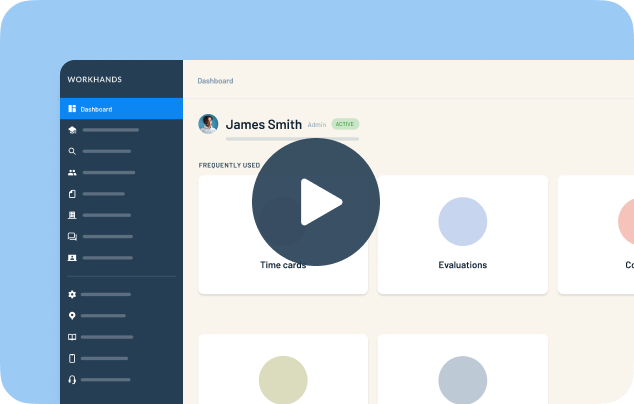
Keep apprentice paperwork in one place instead of scattered across inboxes. Patrick shows where documents live in WorkHands and how admins and apprentices upload them.
In this video
0:15 Find every document for your program under Paperwork, then Documents, and filter by type
0:30 Open an apprentice to see their own documents
0:40 Click Add a file, give it a name and type, and upload a PDF, image, Word or Excel file
1:00 Apprentices can upload their own documents, which helps during onboarding
1:15 Coming soon: generated documents like the 671 form and state apprenticeship agreements
Related resources
Related videos


One place to manage your apprenticeship


AlabamaAlaskaAmerican SamoaArizonaArkansasCaliforniaColoradoConnecticutDelawareFloridaGeorgiaGuamHawaiiIdahoIllinoisIndianaIowaKansasKentuckyLouisianaMaineMarylandMassachusettsMichiganMinnesotaMississippiMissouriMontanaNebraskaNevadaNew HampshireNew JerseyNew MexicoNew YorkNorth CarolinaNorth DakotaNorthern Mariana IslandsOhioOklahomaOregonPennsylvaniaPuerto RicoRhode IslandSouth CarolinaSouth DakotaTennesseeTexasUtahVermontVirginiaVirgin IslandsWashingtonWashington D.C.West VirginiaWisconsinWyoming
 Made in the USA.