
How to Add an Apprentice in WorkHands

Adding a new apprentice to your program should be simple and straightforward.
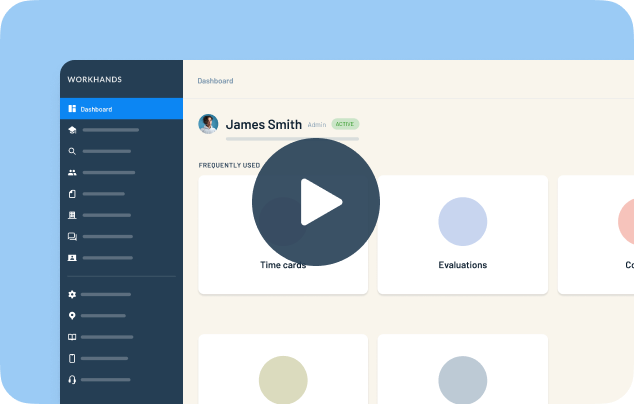
In this quick walkthrough, Patrick from WorkHands shows how apprenticeship coordinators can add an apprentice to their account in just a few steps. Starting from the dashboard, you’ll learn how to navigate to the apprentice list, create a new apprentice profile, and invite them to access the platform.
WorkHands is designed to make onboarding apprentices easy. Coordinators can add apprentices with only the essential information and update additional details later as the program progresses.
In this video, you’ll learn how to:
Navigate to the apprentice list
Add a new apprentice profile
Enter the minimum information required to get started
Assign occupations and start dates
Connect supervisors or employers to the apprentice
Invite apprentices to access their account
Once added, apprentices can begin logging hours, tracking their progress, and participating in your apprenticeship program through WorkHands.
This walkthrough shows how WorkHands helps coordinators onboard apprentices quickly so they can focus on training and program management instead of administrative work.
Related videos


One place to manage your apprenticeship


 Made in the USA.