
WorkHands+ Apprenticeship Management System Overview

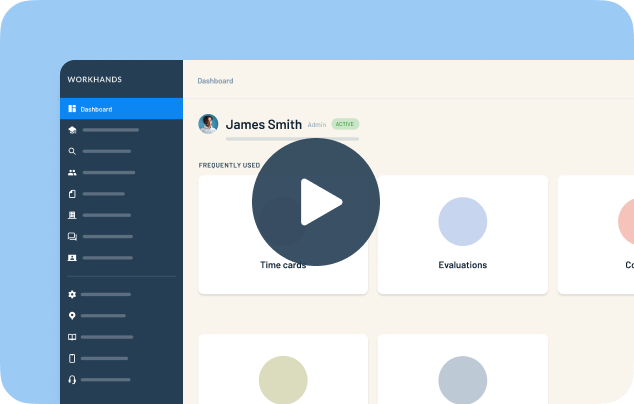
WorkHands+ is an apprenticeship management system that gives coordinators, apprentices, employers and instructors their own accounts. Patrick walks through setup, what each user sees, and the support that comes with it.
In this video
0:04 What WorkHands+ is and who gets an account
0:20 Step 1: set up your occupations as registered, including time cards, competency evaluations, certifications and wage schedules
0:45 Step 2: add apprentices, by moving over an existing program, adding them directly, or through Recruiting+
1:07 The apprentice dashboard shows OJT progress in green and gaps in red
1:20 Time cards are created automatically with reminders, and competency and hybrid programs get mapped evaluations
1:55 Related instruction shows every required class and where each apprentice stands
2:15 Wage progression tells you when each benchmark is hit so you can approve it
2:30 Certifications, supervisors, signed documents and agreements, reports for audits, and communication tools
2:50 Training for admins is built in and unlimited, and support chat is open to every user
Related resources
Related videos


One place to manage your apprenticeship


 Made in the USA.