
How to Add or Update a Supervisor in WorkHands

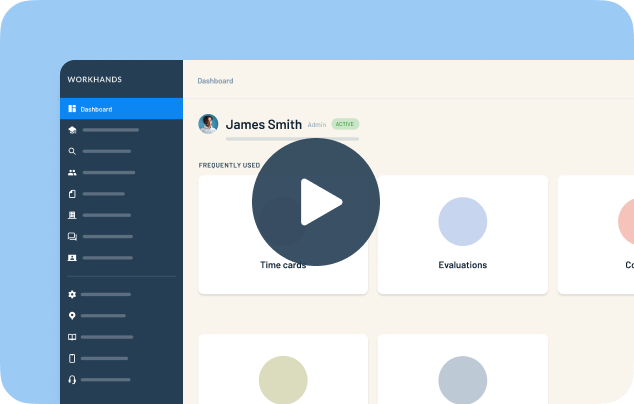
Every apprentice in WorkHands has at least one supervisor, so there is always someone to approve time cards and reviews. Patrick shows how to change the primary supervisor, add backups, and add a brand-new supervisor without leaving the screen.
In this video
0:00 Why every apprentice has a primary supervisor (some programs call this person a mentor or manager)
0:35 Add more supervisors as backups who can approve. Only the primary supervisor gets notified
1:00 Make someone primary from the three-dot menu
1:18 Add an existing person as an additional supervisor
1:35 Add a supervisor who isn't in WorkHands yet, right from the same screen
Related resources
Related videos


One place to manage your apprenticeship


AlabamaAlaskaAmerican SamoaArizonaArkansasCaliforniaColoradoConnecticutDelawareFloridaGeorgiaGuamHawaiiIdahoIllinoisIndianaIowaKansasKentuckyLouisianaMaineMarylandMassachusettsMichiganMinnesotaMississippiMissouriMontanaNebraskaNevadaNew HampshireNew JerseyNew MexicoNew YorkNorth CarolinaNorth DakotaNorthern Mariana IslandsOhioOklahomaOregonPennsylvaniaPuerto RicoRhode IslandSouth CarolinaSouth DakotaTennesseeTexasUtahVermontVirginiaVirgin IslandsWashingtonWashington D.C.West VirginiaWisconsinWyoming
 Made in the USA.