
How to Add an Employer in WorkHands

Managing employer partners is a key part of running an apprenticeship program. WorkHands makes it simple to add and manage employers directly within the platform.
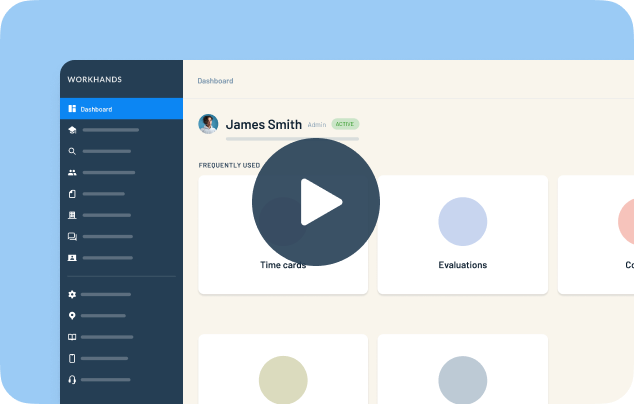
In this quick walkthrough, Patrick from WorkHands demonstrates two easy ways to add employers to your account. Coordinators can add an employer while onboarding a new apprentice or create employer records directly from the Partners and Employers section.
The platform is designed to streamline program management so you can keep apprentices, employers, supervisors, and program data connected without navigating multiple systems.
In this video you’ll learn how to:
Add an employer while creating a new apprentice
Create employer records from the Partners and Employers section
Store employer contact information and company details
Manage employer-specific program information
Once employers are added, you can manage related program data such as time cards, evaluations, documents, and employer contacts — all connected to your apprenticeship program inside WorkHands.
This walkthrough shows how simple it is to keep employer partnerships organized while managing apprenticeships more efficiently.
Related videos


One place to manage your apprenticeship


 Made in the USA.