
Tracking OJT Hours

Tracking on-the-job training (OJT) hours doesn’t have to mean spreadsheets, email reminders, and manual calculations.
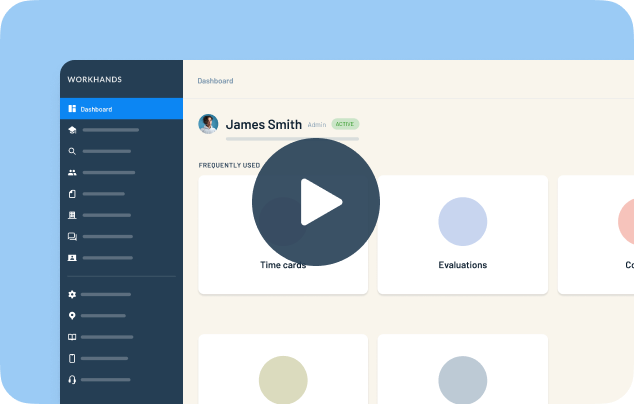
In this quick walkthrough, we show apprenticeship coordinators how to track time-based apprenticeship hours inside Workhands — from occupation setup to supervisor approval.
Here’s what you’ll learn:
How to set up work processes and hour requirements
How to choose monthly, weekly, or daily time card entry
How automatic time card generation works
How apprentices submit hours
How supervisors approve in two clicks
How automated reminders prevent overdue submissions
How to instantly see completed hours and identify gaps
Most programs use monthly tracking, and Workhands automates the entire process for you.
Instead of chasing paperwork, you get:
Automatic time card generation
Submission reminders
Supervisor approval workflow
Real-time visibility into your progress
Clear tracking of completed and remaining OJT hours
If you’re managing apprenticeship programs and want a simpler way to track OJT hours, this walkthrough shows you exactly how it works.
To learn more about managing apprenticeship programs in Workhands, visit:
Related videos


One place to manage your apprenticeship


 Made in the USA.