
How to Send Announcements in WorkHands

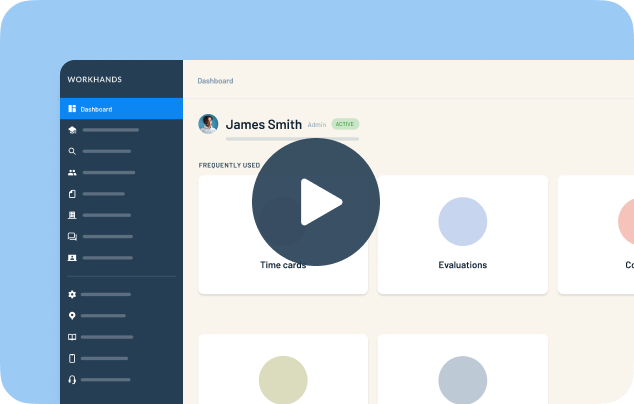
Announcements are how program administrators reach everyone in a program at once, or just the right group. In this walkthrough, Patrick shows where to start an announcement in WorkHands, how to target it, and what happens after it goes out.
In this video
0:00 Start an announcement from Communication in the sidebar, or from the bottom of your dashboard
0:20 Add a subject, a message and an attachment, like a notice that class is cancelled
0:51 Send to all apprentices, a cohort, everyone at one employer, active apprentices with overdue time cards, or hand-picked people
1:20 Every announcement opens a conversation thread, so replies stay in one place
1:35 Recipients get it by text, email or the WorkHands mobile app, based on their settings
1:50 After the first send, only people in the conversation get updates
Related resources
Related videos


One place to manage your apprenticeship


 Made in the USA.