
How to Add a Course in WorkHands

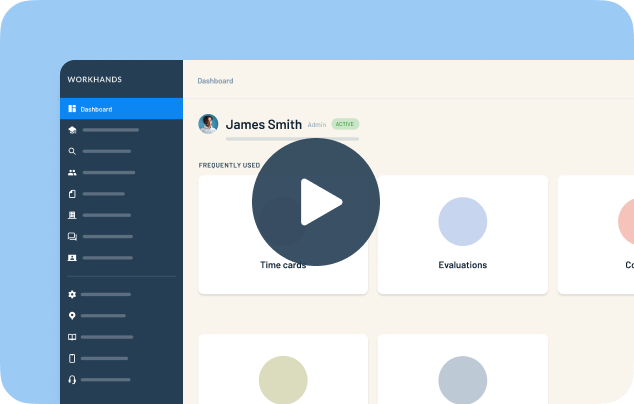
WorkHands keeps the related instruction requirement in your standards separate from the course an apprentice actually takes, so you can swap courses without re-registering. Patrick shows three ways to add a course.
In this video
0:15 Open an occupation and go to Related Instruction to see each requirement and its default course
0:40 Assign the default course to an apprentice when it matches their requirement
1:05 If they took a different class, remove the default and create a new course right from the apprentice. It is assigned and added to your course list
1:50 To add a course for everyone, go to Courses and add it with the school, hours, link, external ID and description
2:25 Map new courses to your standards to stay flexible and compliant, including credit for past experience
Related resources
Related videos


One place to manage your apprenticeship


 Made in the USA.